| Last modified | Name | Description |
|---|---|---|
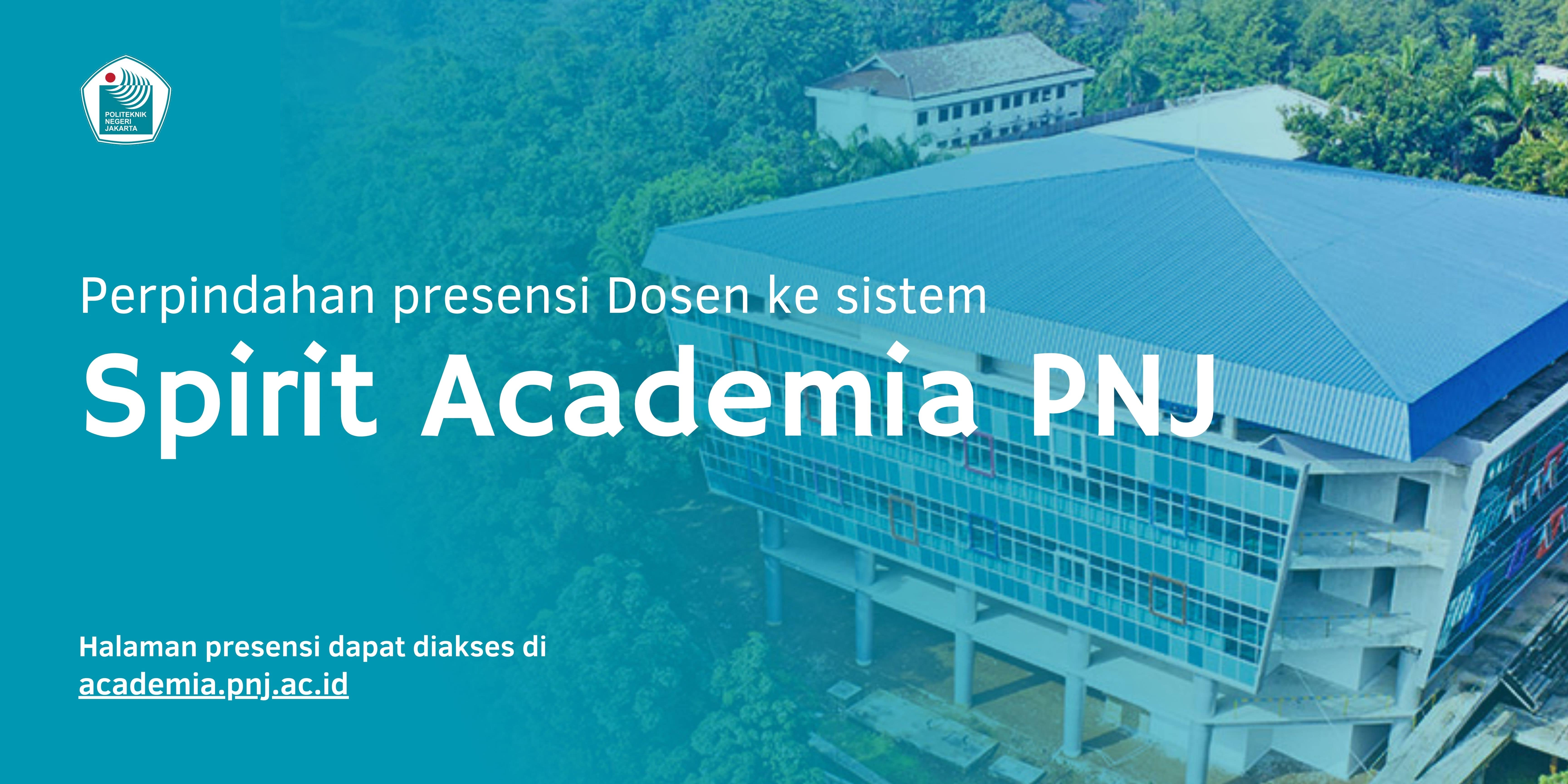
Presensi Mahasiswa dapat dilakukan melalui link berikut academia.pnj.ac.idApabila terkendala dalam pemanfaatan SPIRIT ACADEMIA, anda dapat melaporkan kendala melalui layanan.pnj.ac.id dengan help topic : Kendala SIM SPIRIT. |
||
Presensi Dosen dapat dilakukan melalui link berikut academia.pnj.ac.idBuku Panduan Penggunaan Sistem Spirit Academia dapat diunduh disiniApabila terkendala dalam pemanfaatan SPIRIT ACADEMIA, anda dapat melaporkan kendala melalui layanan.pnj.ac.id dengan help topic : Kendala SIM SPIRIT. |
||
|
||
Access the online international journal collection of Taylor & Francis in 2021 (indexed by Scopus and Web of Science), via the PNJ internet network CLICK HERE: https://www.tandfonline.com |
||
The following is a short and complete guide to using PNJ Elearning: 1. Download Short Guide, for managing attendance Download Here 2. Complete English Guide Download System requirements: 1. The updated desktop version of the web browser recommended by Moodle is Chrome, Firefox, Safari, and Edge 2. The mobile/mobile version of the web browser is not recommended |
||
|
||